Built on a decade of experience. Now building the next workspace.
10+
Years in data & analytics
5,000+
YouTube subscribers
250K+
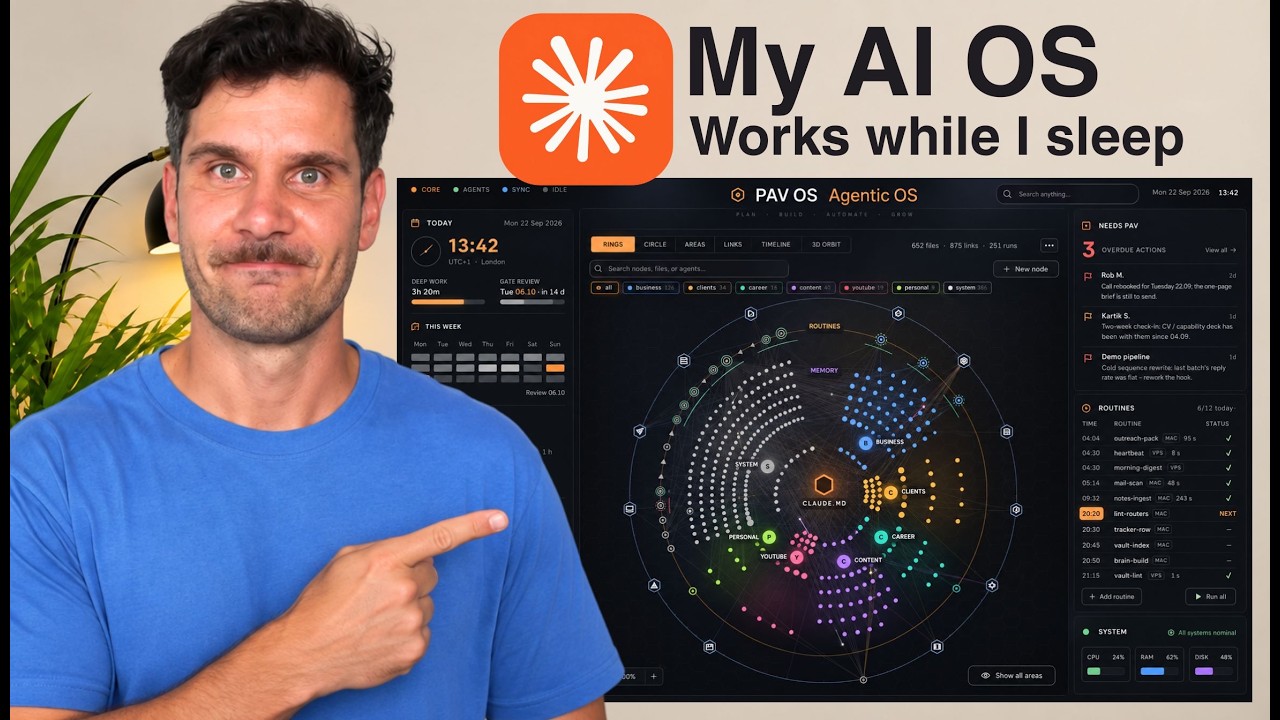
Views on the AI OS video
2
Dashboard editions
Audience figures approximate, as of 15 October 2026. Brand logos refer to previous professional experience.
Tools behind my builds
AI OS / The dashboard interfaces
A visual starting point for your AI operating system.
Start with the interface layer of your own AI workspace. Get the released Classic and Current dashboards, explore the sample workspace, then bring in your own folders. Connect your AI tools and workflows separately.
Two editions / One starting point
See the structure. Find the connections.
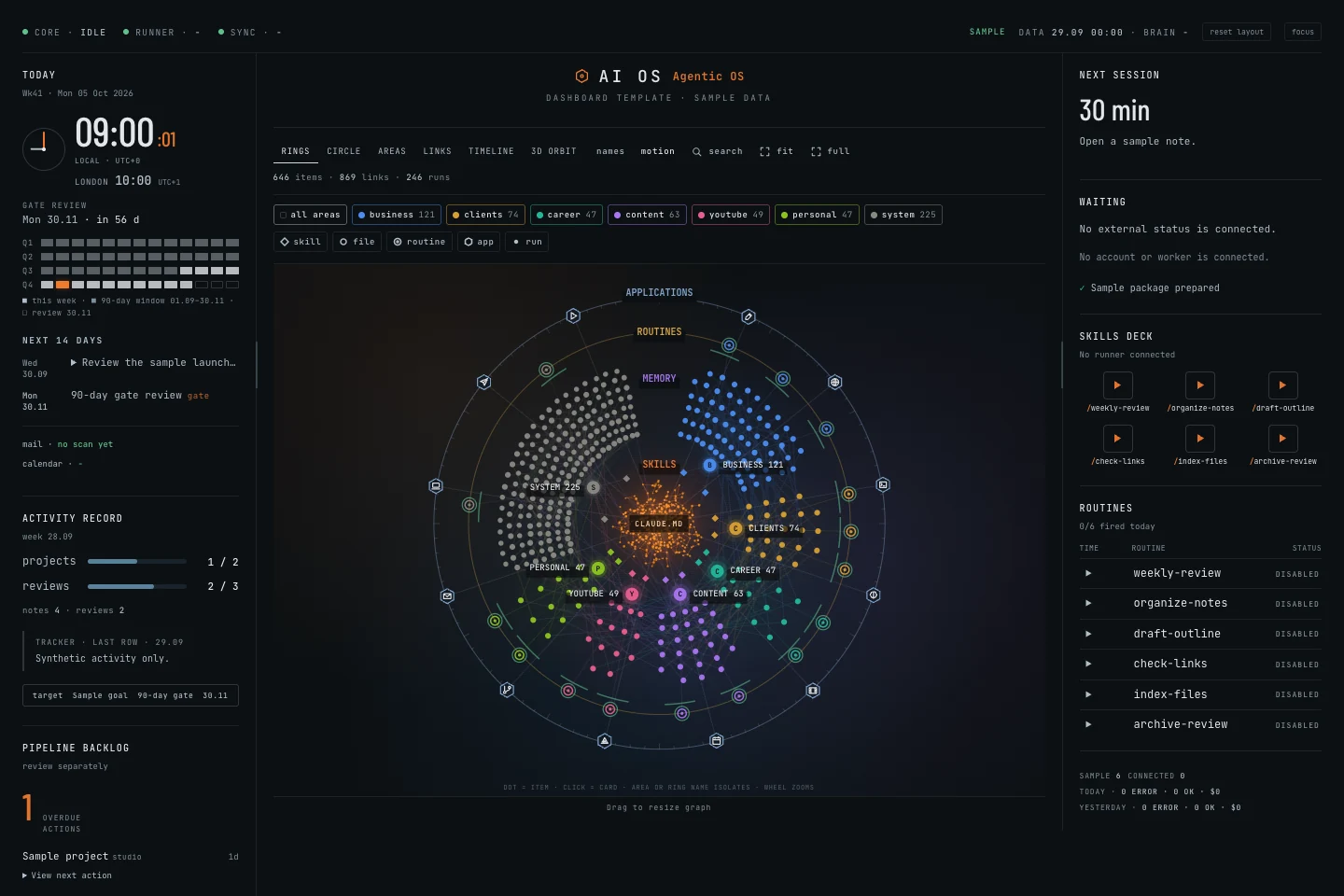
Two editable dashboard editions, ready to explore with fictional sample data. Import selected Markdown or text folders, see how your files connect and make the interface your own.
Classic + Current dashboards, release 1.0.4
Six graph views in Current, including 3D Orbit
Editable source, sample data and setup instructions
Download the editable interfaces, sample workspace and setup guide. The free MAPS guide stays free. Downloaded versions remain usable for personal or internal business use after cancellation. Future releases require active membership. No resale or redistribution.
What do I need to run the dashboards?
Python 3.9+ and a browser. The manual interface needs no API key or AI subscription. Local agent assistance is optional and requires filesystem access. Installation and permissions may require additional setup.
Is this the complete connected system from the YouTube video?
No. Builder includes the released dashboard interface packages. My personal voice beta, automation runners, live sync and email/calendar integrations are separate. Watch the personal AI OS walkthrough ↗.
What is an AI workspace system, and how does AI OS fit?
An AI workspace system brings your working context, notes, projects and AI tools into a shared workflow. AI OS provides the editable visual dashboard layer for your own workspace. Classic and Current run locally; AI tools and automated workflows are connected separately. The free MAPS guide explains how I organise a Claude Code workspace around Memory, Agent, Pulse and Screen.
What is an AI operating system?
I use the term for a workspace that brings notes, context and AI tools together. AI OS is my approach to organising that work. The released dashboards provide a visual interface; connecting tools and building automated workflows is a separate step.