Cinematic Websites
Automation Orbit and Recom Batumi.
- Brand-led layouts, motion and responsive pages
- Custom visuals and an editable website
- Metadata and structured content prepared for discovery
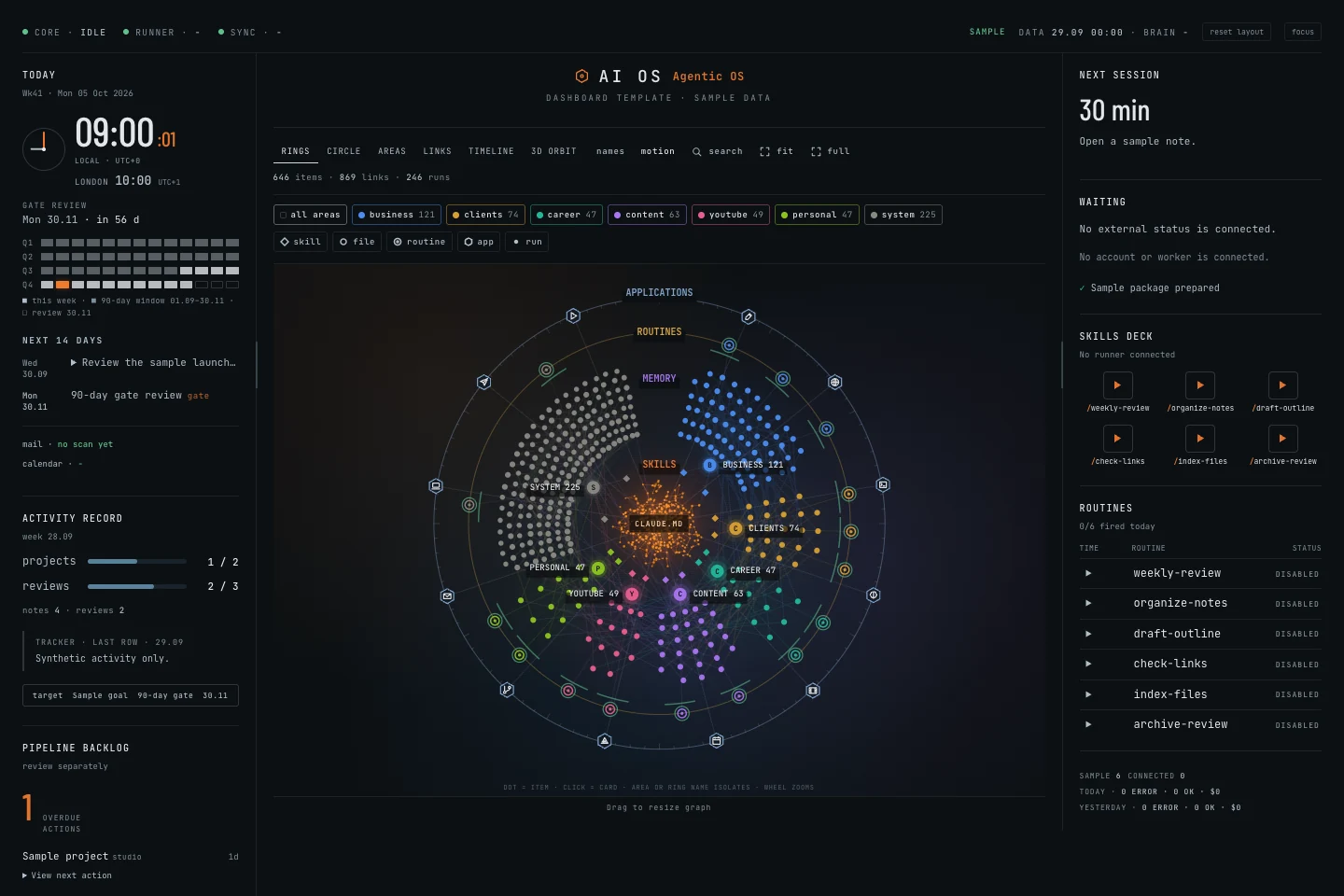
Turn folders of notes and projects into a visual workspace. Explore six graph views and adapt the editable AI OS dashboards to your own setup.
Classic + Current · editable files · $15/month on Patreon

Audience figures approximate, as of 15 October 2026. Brand logos refer to previous professional experience.
Tools behind my builds
Start with the interface layer of your own AI workspace. Get the released Classic and Current dashboards, explore the sample workspace, then bring in your own folders. Connect your AI tools and workflows separately.
Two editable dashboard editions, ready to explore with fictional sample data. Import selected Markdown or text folders, see how your files connect and make the interface your own.
$15/ month
Get both dashboard editions.
Get both dashboards on Patreon ↗These are interface packages. My connected personal system, voice, automation runners, live sync and email/calendar connections are not included.
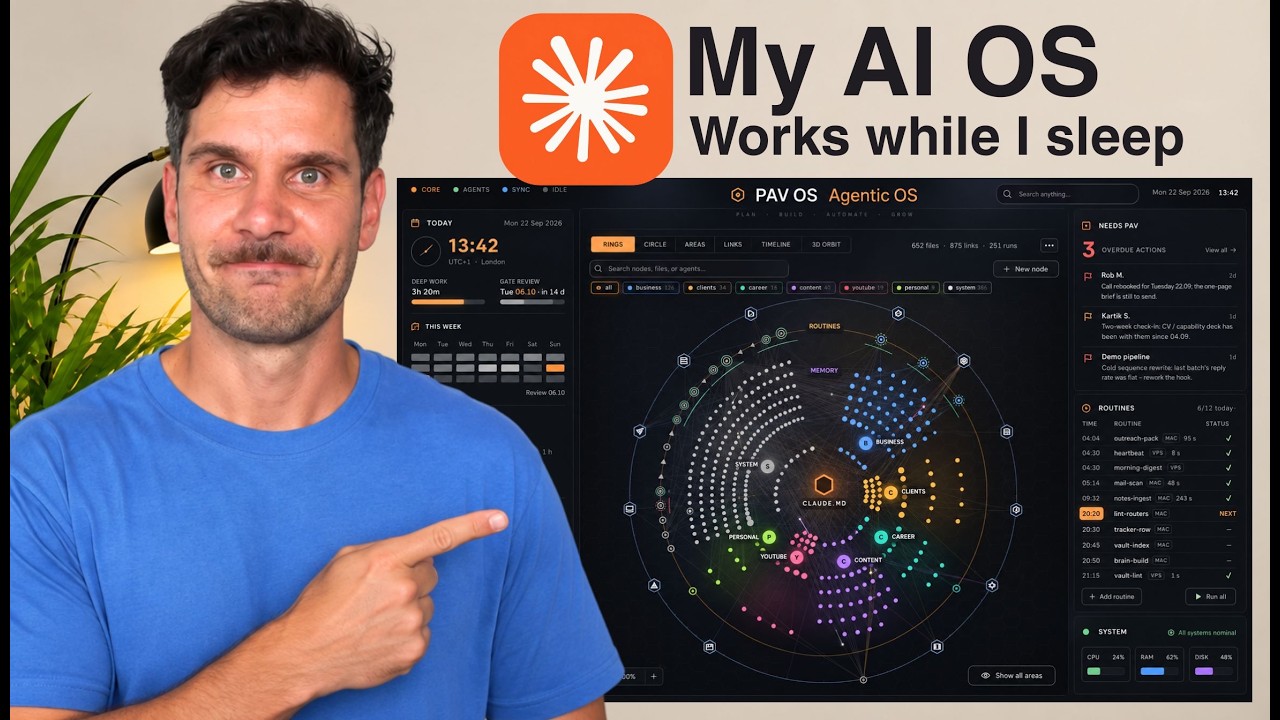
Watch how I bring Claude Code, working context and a visual workspace together.
This walkthrough shows my connected personal system. Builder includes the editable dashboard interfaces.
Open on YouTube ↗
Download the editable interfaces, sample workspace and setup guide. The free MAPS guide stays free. Downloaded versions remain usable for personal or internal business use after cancellation. Future releases require active membership. No resale or redistribution.
Python 3.9+ and a browser. The manual interface needs no API key or AI subscription. Local agent assistance is optional and requires filesystem access. Installation and permissions may require additional setup.
No. Builder includes the released dashboard interface packages. My personal voice beta, automation runners, live sync and email/calendar integrations are separate. Watch the personal AI OS walkthrough ↗.
An AI workspace system brings your working context, notes, projects and AI tools into a shared workflow. AI OS provides the editable visual dashboard layer for your own workspace. Classic and Current run locally; AI tools and automated workflows are connected separately. The free MAPS guide explains how I organise a Claude Code workspace around Memory, Agent, Pulse and Screen.
I use the term for a workspace that brings notes, context and AI tools together. AI OS is my approach to organising that work. The released dashboards provide a visual interface; connecting tools and building automated workflows is a separate step.
Can search engines understand who you are, what you do and why your site is worth citing?
An AI visibility audit turns that question into a clear list of fixes.
+25 points projected improvement.
62 was measured after the June fixes. 72 is the report’s six-month projection, not an achieved result or a search ranking.
See the results and roadmap ↗
See the example. Understand the gaps.
Then decide what needs fixing on your site.
A practical audit. Clear priorities. A report you can act on.
Client work and design concepts, using the same visual craft as this site.
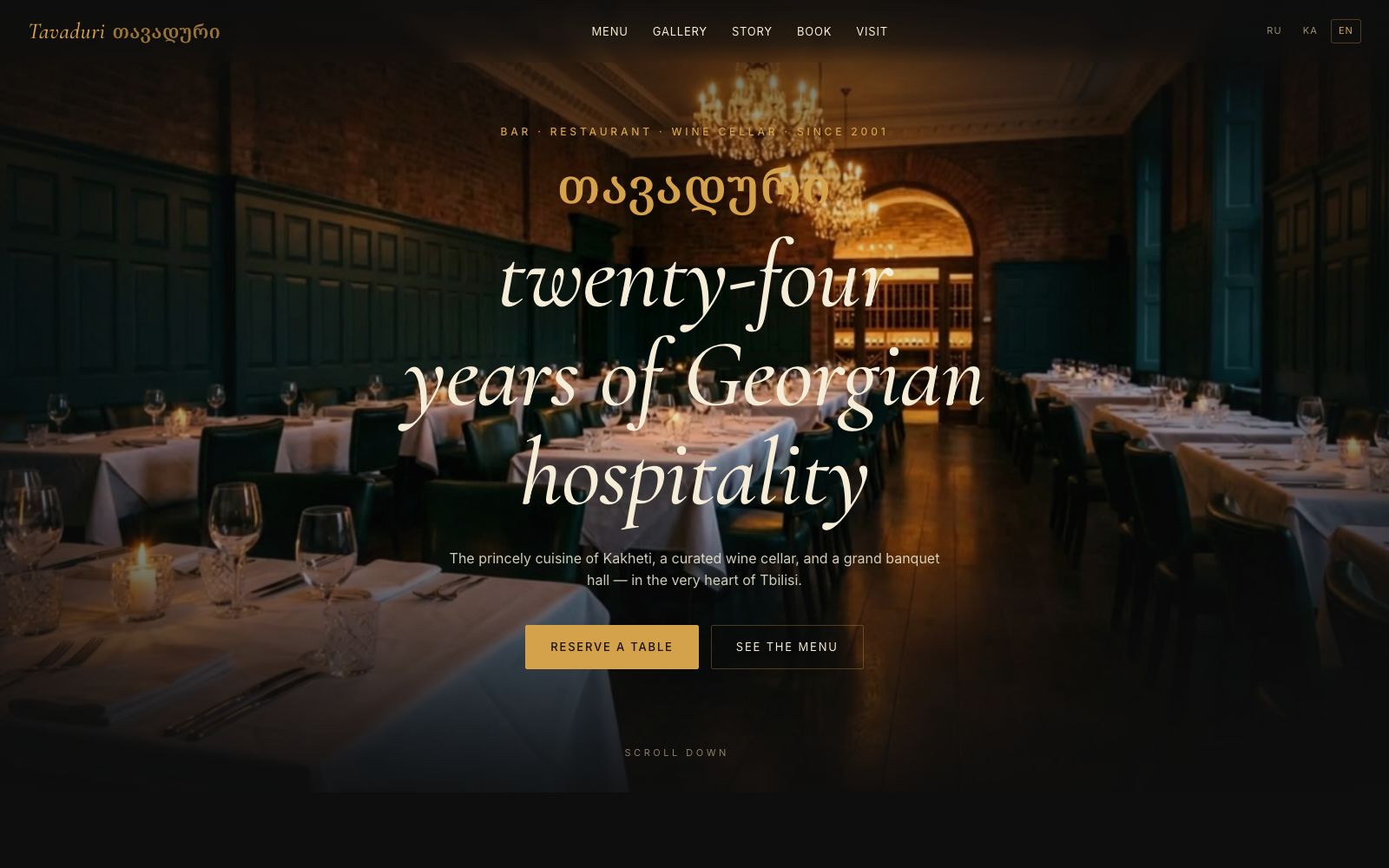
A cinematic restaurant concept with a bilingual menu and a reservation journey.
Explore website →
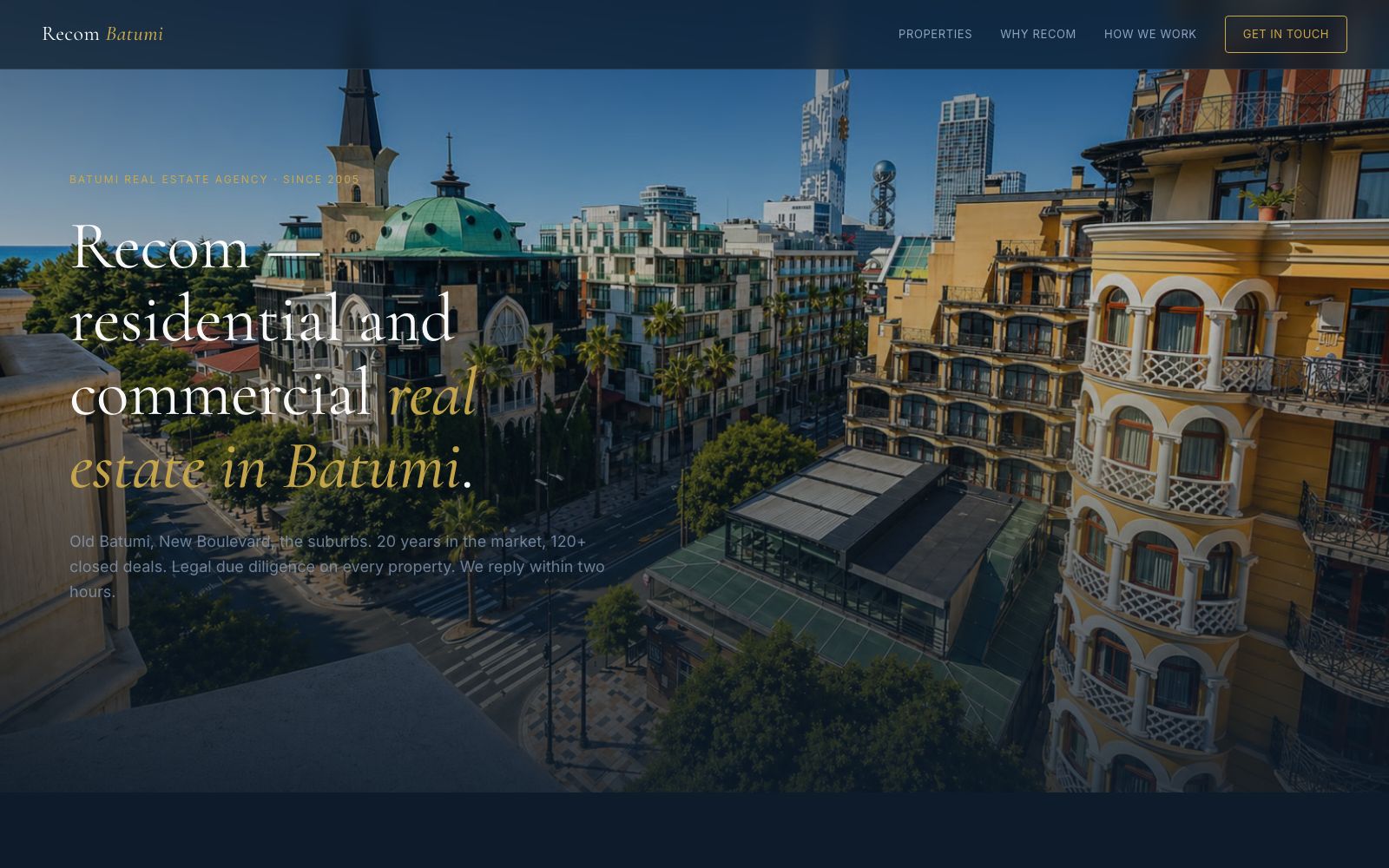
A multilingual property website built around listings and direct enquiries.
Explore website →
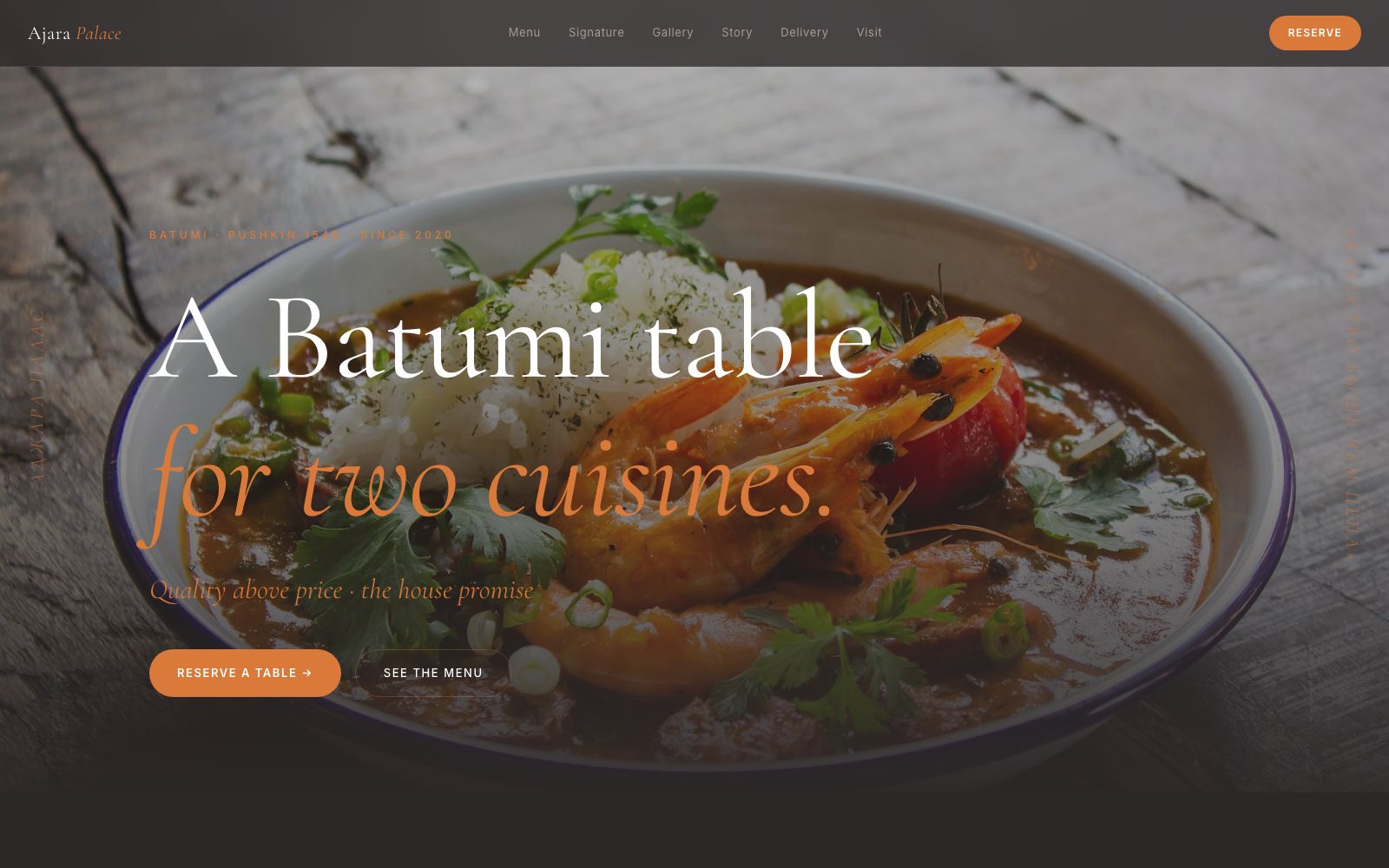
A hospitality concept with Georgian character, motion and an immersive menu.
Explore website →A broader look at the work behind Automation Orbit. Client projects, demonstrations and concepts are labelled separately.
Automation Orbit and Recom Batumi.
Automation Orbit sample report.
Appointment-booking demonstration.
Private document-search demonstration.
Vendor-portal workflow demonstration.
Email-sorting and reply-drafting demonstration.
Multi-channel assistant concept.
Enrichment-pipeline project proposal.
Coordinated outreach workflow concept.
From form submission to signed contract with no manual hand-holding.
PDF extraction, AI validation, sync to QuickBooks or Xero.
Scheduled data pulls, dashboards, and Slack alerts so nothing slips.
CRM, forms, email, calendar and billing, wired together for a defined workflow.
Agents that read documents, classify data, hand off to the right person.
Reusable building blocks that you can keep, modify and use internally.
AI OS is the workspace I am developing around my own work with AI. I share the builds on YouTube and release editable dashboard interfaces so you can start exploring the same visual approach.
I also help businesses connect their tools and simplify repetitive work using n8n, Claude and Gemini, with 10+ years of data and analytics experience from places like ASDA, Sky Betting and Gaming, TransUnion, and SEB Bank behind it.
Alongside AI OS, I build websites and custom automation workflows. I document project handovers so your team can maintain them. The accounts are yours, the keys are yours, the system is yours. I'm here to ship it, train you, and step out of the way. Find me on YouTube if you want to see the workflows live.
On the workbench: voice for my personal AI OS, currently in beta development. Separate from the released dashboard package.

Discovery call. If the fit is right, we scope the build. If it isn't, I'll point you to whoever's better placed.